Stay in Finder
Enable Hitspace’s Quick Look extension, select a supported file in Finder, and press Space. Preview it without switching to an editor.
Mac setup instructions Hitspace
A better look at your files
A README that looks like a README. JSON you can unfold. Code with a little color. See what is inside without opening your whole development environment.
Mac and iPhone: a one-time App Store purchase, no subscription. Your local price is shown on the App Store.
Android 8.0 and later: free on Google Play, with no ads.
Three ways in
Enable Hitspace’s Quick Look extension, select a supported file in Finder, and press Space. Preview it without switching to an editor.
Mac setup instructionsOpen a file in Hitspace, send one from Files, or explicitly paste clipboard text. A snippet does not need to be saved as a file before you preview it.
Explore the iPhone previewsPick a file, share one to Hitspace from another app, or paste a snippet from the clipboard. Search inside a preview, switch themes, and keep your recents on the home screen.
Explore the Android previewsInside Hitspace
Existing app previews, with sample files. Choose a platform and select any image to see it at full size.
Readable from the first glance
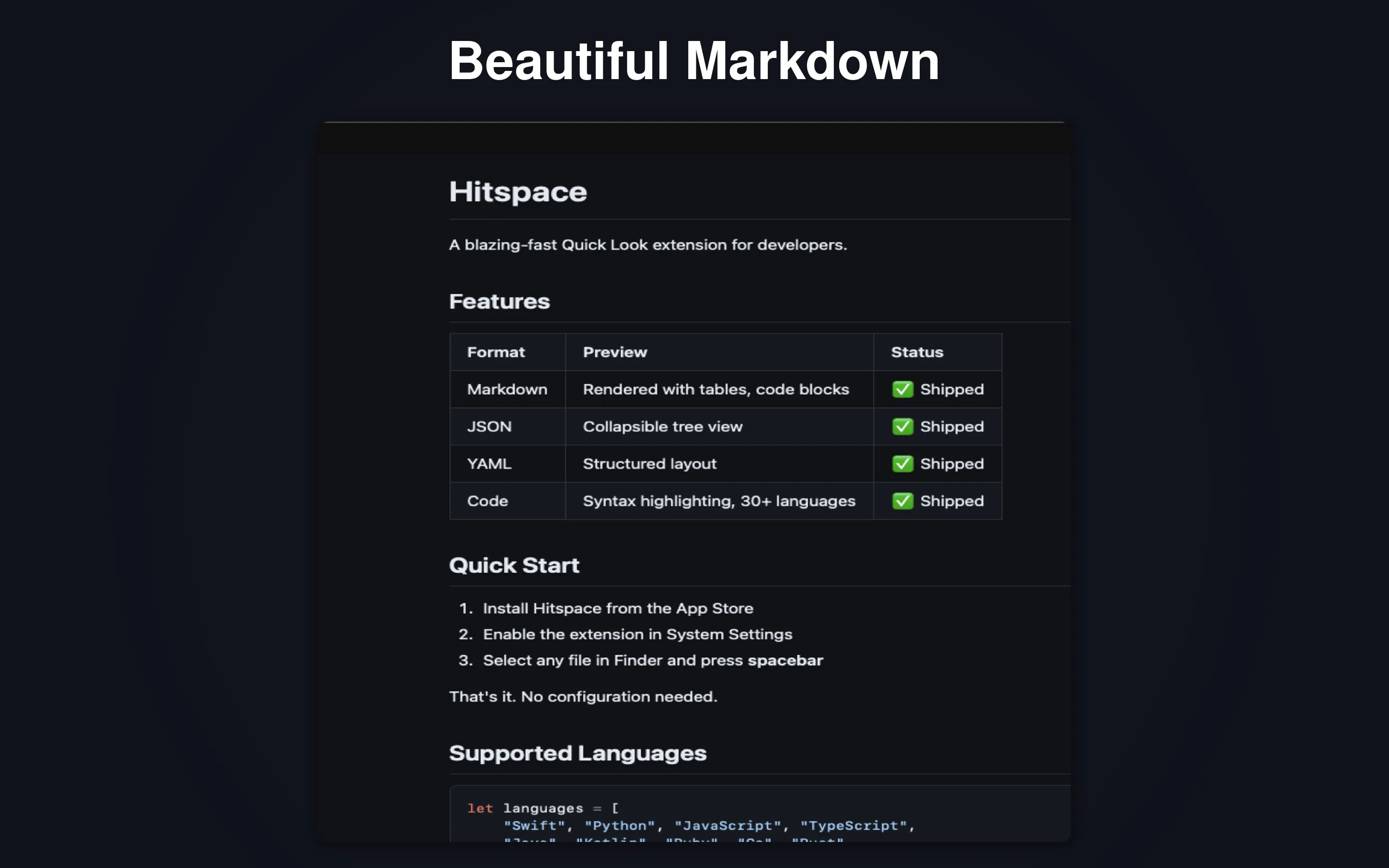
Tables, task lists, headings, and highlighted code blocks give your Markdown its intended structure.
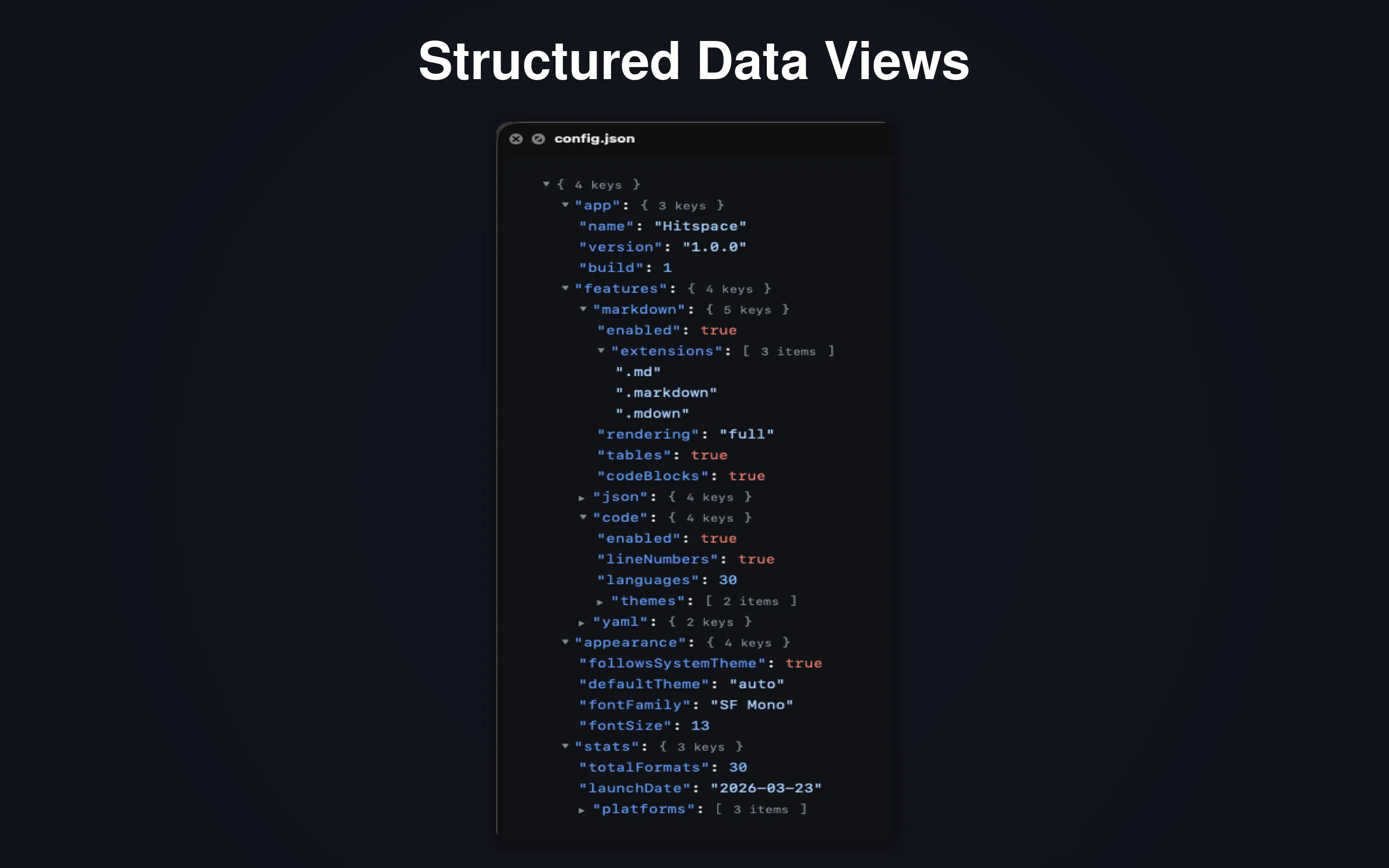
Expand and collapse nested data instead of losing your place in a wall of brackets.
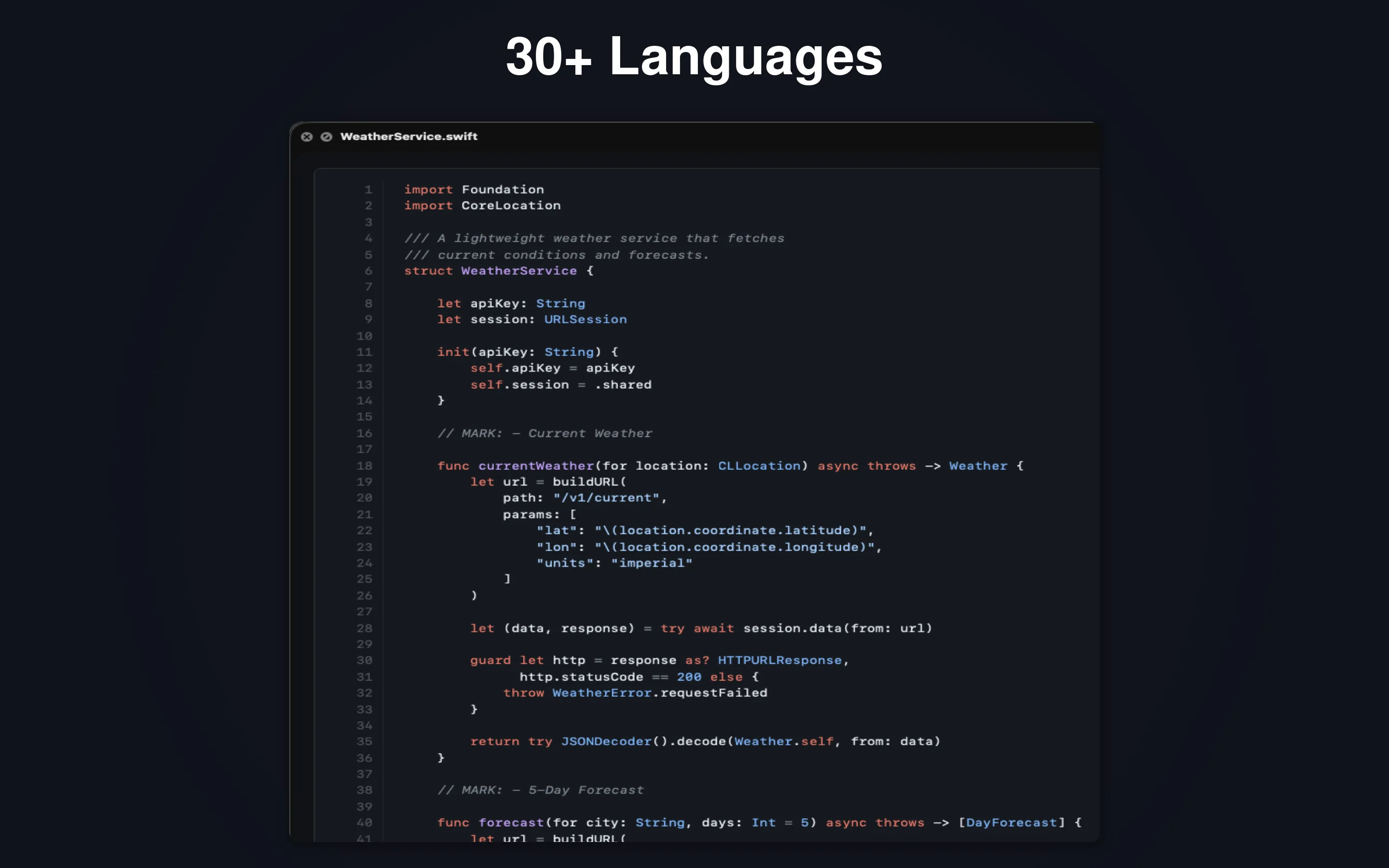
Read Swift, Python, JavaScript, TypeScript, Rust, Go, YAML, and more, with syntax colors and line numbers.
Switch word wrap on when a line runs past the screen, or leave it off when horizontal layout matters.
Choose from six developer themes, including Monokai, Dracula, One Dark, and Solarized.
On Mac and iPhone, Copy as Image turns your code preview into an image with a choice of backgrounds. Check it for private content before sharing.
Local rendering. Clear boundaries.
Hitspace renders with bundled resources and does not send your previewed files to LightPath. Recent-file records and preferences stay in app storage. On Apple platforms those can be included in a device backup or transfer; the Android app excludes them from both.
On Apple platforms, HTML or Markdown can contain active scripts or remote resources that contact third parties. Only preview files you trust; disconnect from the network first if you need to prevent remote access. Sharing sends content to the destination you choose. The Android app holds no internet permission and blocks remote loads inside a preview.
Read the privacy and preview-safety detailsBefore you hit Space
Hitspace is built for reading and previewing developer files. Keep your editor for changing code; use Hitspace when you want a quick look at what is inside.
The Finder Space shortcut is for Mac. On iPhone and Android, open a file inside Hitspace, send one to it from a file manager or share sheet, or use the explicit paste action.
On Mac and iPhone it is a one-time App Store purchase, with no subscription; your region’s price is shown in the store. On Android it is free, with no ads and nothing to buy.
Only preview files you trust. Active content in an Apple web preview can contact outside services and may read or transmit displayed content. The privacy policy explains these limits.
Markdown, JSON, YAML and code render the same, and search inside a preview is on all three. HTML is the exception: Apple opens it as a live page, Android shows highlighted source. Android also has no Quick Look integration, which is a Mac feature, and no Copy as Image, which is on Mac and iPhone, and its previews are limited to text files up to 5 MB.
Mac and iPhone · One-time purchase
Android · Free, no ads